40 Dollar Saving Tech Tricks Most People Never Heard Of.Three years ago, I pulled up my annual credit card statement and choked on my black coffee. Between enterprise software subscriptions I forgot to cancel, mobile bills with data I never touched, and replacing hardware that probably had years of life left, I was bleeding over $300 every single month.
- 1. The Master Checklist: 40 Dollar-Saving Tech Tactics
- 2. Cloud, Storage & Subscription Hacks
- 3. Hardware Longevity & Right to Repair
- 4. Telecom, Mobile & Networking
- 5. Phantom Loads, Energy & Smart Tech
- 6. Open-Source Software & Free Alternatives
- 7. Pro Tip: The Three-Cycle Rule for Battery Longevity
- 8. Frequently Asked Questions
- 9. Will switching to an MVNO ruin my cell service?
- 10. Is self-hosting actually cheaper once you factor in electric bills?
- 11. Does repasting laptop thermal compound void standard warranties?
- 12. Can open-source creative software really replace paid professional tools?
- 13. Why does battery calibration matter if modern electronics use smart chips?
I’ve worked in network administration and tech consulting for well over a decade. I build servers, deploy cloud architectures, and tear down consumer electronics on my workbench on weekends. Yet, my personal tech spending had become embarrassingly sloppy.
I decided to run an exhaustive audit of my personal hardware, network setup, and software stack. By applying enterprise-grade cost optimization to everyday consumer tech, I slashed my digital burn rate by thousands of dollars a year. Here are 40 tactical, obscure tech dollar-saving tricks you can implement right away—no marketing fluff, just practical engineering and common sense.


The Master Checklist: 40 Dollar-Saving Tech Tactics
Cloud, Storage & Subscription Hacks
- Weaponize deliberate subscription churn. Never keep streaming or productivity apps running on continuous autopay. I pay for one streaming service or design suite for 30 days, binge my projects or shows, cancel immediately, and switch to another the next month. You get the exact same content across a calendar year for a fraction of the cost.
- Exploit cloud tier optimization with cold storage archives. Most users dump raw footage, phone backups, and massive archives into hot Google Drive or Dropbox buckets costing $10–$20 every month. Move cold backups (files you access less than twice a year) to Amazon S3 Glacier Flexible Retrieval or Backblaze B2. You will pay pennies per month per terabyte instead of running premium consumer Software as a Service (SaaS) sync engines.
- Audit phantom SaaS seats. Log into your Google or Apple ID subscription manager and revoke third-party app tokens. Apps you test on a trial frequently convert to quiet annual auto-renewals tucked away under indirect billing engines.
- Switch to regional family plan pooling with trusted colleagues. Services like Spotify, Apple One, and YouTube Premium allow multi-seat accounts. Splitting a legitimate family plan with roommates or family members instantly drops your per-user overhead down to pocket change.
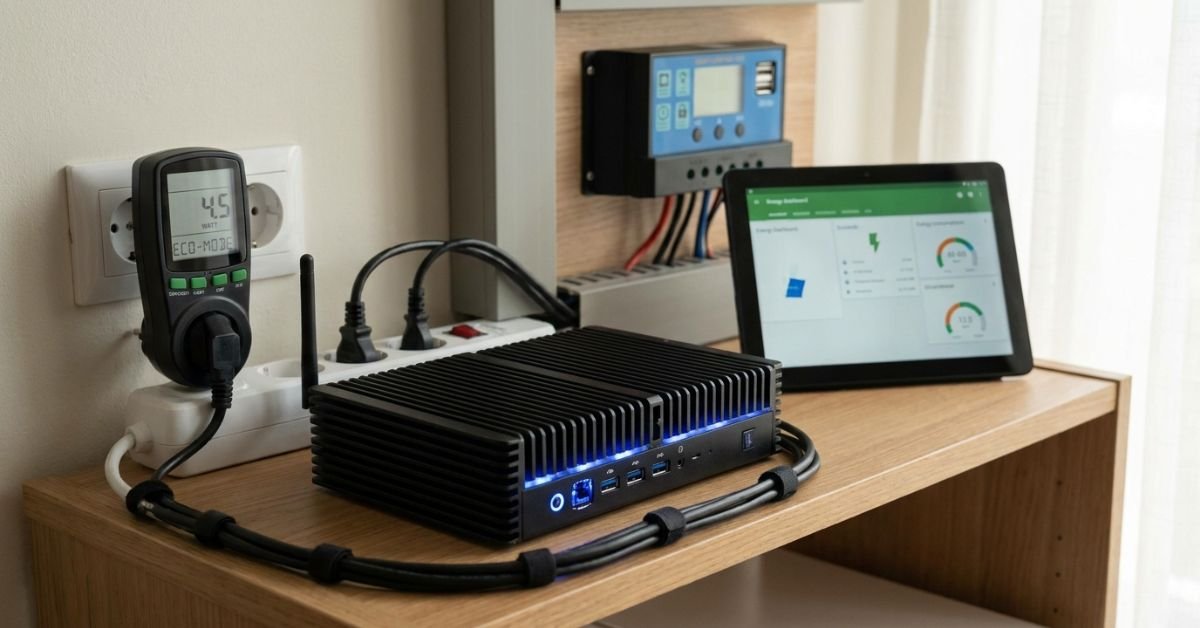
- Run your own self-hosting media server. Instead of paying five different platforms for streaming rights that rotate out anyway, buy an inexpensive used mini PC, install Linux, set up Jellyfin, and hook up an external drive. You own your media outright and bypass monthly streaming charges permanently.
- Purge paid PDF tools with browser rendering. Stop paying $15 monthly for bloated PDF editors. Chromium-based browsers natively let you fill forms, sign, rotate, and print-to-PDF. For heavy lifting like merging or OCR, use local open-source utilities like PDF24 or Stirling-PDF.
- Bypass paid password managers using KeePassXC and Syncthing. Commercial vault subscriptions creep up in price constantly. KeePassXC stores your encrypted database locally, and the lightweight file-syncing utility Syncthing moves that encrypted file across your phone and laptop directly over local Wi-Fi without third-party servers.
- Ditch corporate email host fees for custom domains via Cloudflare Email Routing. Don’t pay Google Workspace $6 to $7 per user each month simply to have
you@yourname.com. Cloudflare routes incoming mail to your domain directly into a standard, free consumer inbox (like basic Gmail) for $0, while letting you send aliases via free transactional SMTP relays like Brevo or SendGrid. - Use single-use virtual debit cards with hard spending limits. Services like Privacy.com (or your bank’s built-in virtual card generator) let you issue cards locked to a $1 limit. Sign up for “free trials” using these cards; when the service tries to silently bill you $79 on day 31, the charge gets rejected automatically.
- Use web version checkouts to dodge the in-app purchase tax. Apple and Google take up to a 30% cut on in-app payments, which companies push onto you. Buying subscriptions like YouTube Premium, Spotify, or Kindle books directly via a desktop web browser is frequently 15% to 30% cheaper than tapping inside the mobile app.
Hardware Longevity & Right to Repair
- Perform battery calibration before paying for a replacement. If your phone or laptop shuts down at 18% charge, the fuel-gauge IC (charge controller) is likely out of sync with the physical chemistry of the pack. Discharge the device until it turns off, plug it in, and let it charge uninterrupted to 100% plus two extra hours. Recalibrating the controller often restores reliable runtimes and prevents unnecessary battery replacement spending.
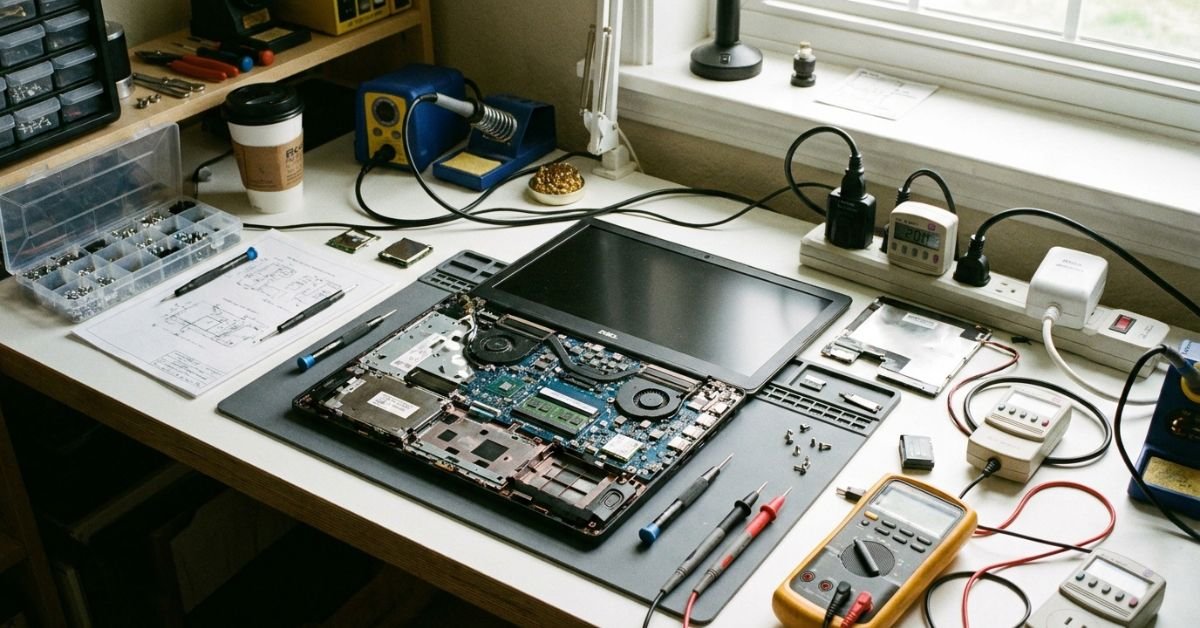
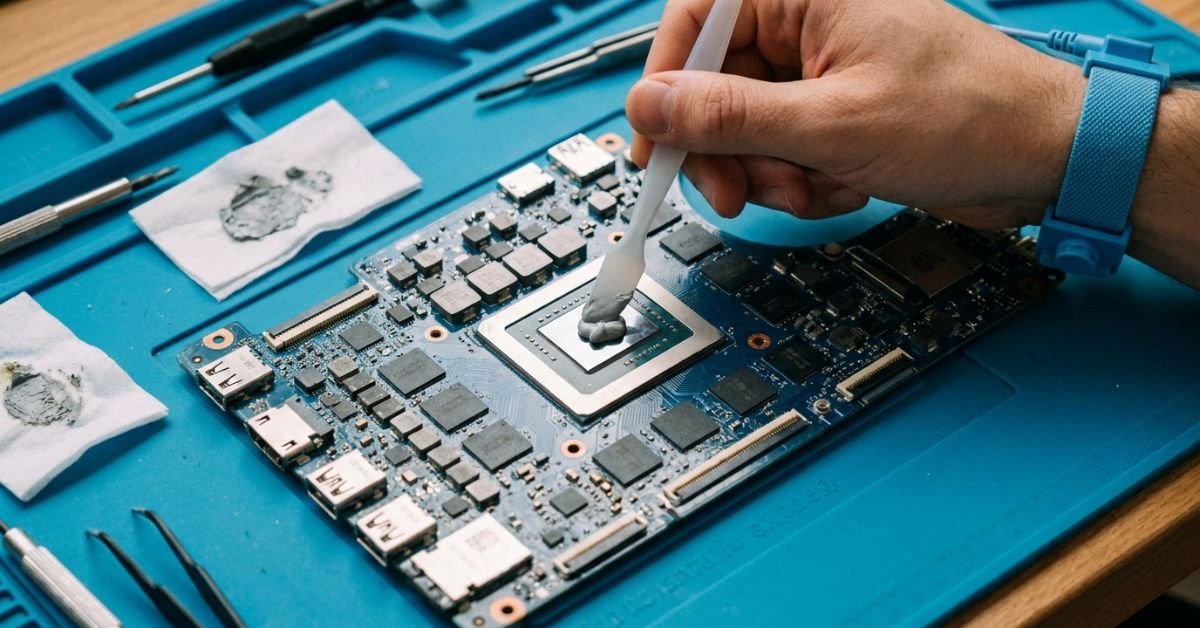
- Repaste your laptop thermal interface. Is your three-year-old machine throttling, spinning fans loudly, and crawling to a crawl? Don’t buy a new machine. Crack open the chassis, clean the dried-up factory thermal paste off the CPU/GPU with isopropyl alcohol, and apply fresh thermal compound like Arctic MX-4. A $9 tube of paste can make a “dying” laptop run like new.
- Embrace refurbished hardware from enterprise off-lease auctions. Skip retail shelves. Hunt for off-lease enterprise gear (ThinkPads, Dell Latitudes, HP EliteBooks) from reputable refurbishment distributors. These systems feature metal roll cages, modular chassis, and commercial-grade cooling built to survive a decade, and cost 70% less than flimsy consumer plastic laptops.
- Leverage Right to Repair frameworks for DIY modular fixes. Modular platforms make part replacements straightforward. Before declaring a cracked screen or worn port a total loss, consult iFixit or manufacturer repair manuals. Swapping a USB-C daughterboard on many modern devices takes twenty minutes and costs under $20.
- Convert decommissioned laptops into ultra-low-power headless servers. If the screen or keyboard dies on your old Intel i5 laptop, don’t recycle it for pennies. Pull off the damaged display, set the OS to ignore lid closes, install Debian, and use it as a 15-watt home server with a built-in battery backup (the laptop battery acts as a free UPS!).
- Revive obsolete storage drives with external UASP enclosures. When you upgrade your PC’s internal storage, don’t throw your old M.2 NVMe or 2.5-inch SATA drive into a drawer. A $15 USB-C enclosure transforms it into an ultra-fast, rugged external drive that outperforms expensive branded thumb drives.
- Ditch branded monitor stands for generic VESA desk arms. Monitor manufacturers routinely charge an extra $50 to $100 for basic height-adjustable stands. Buy the cheapest fixed-stand version of the panel you want and mount it to a $25 gas-spring VESA arm. You get better ergonomics, zero desk clutter, and save cash.
- Use contact cleaner on drifting game controllers. Stick drift on modern console controllers is rarely mechanical failure; it’s almost always conductive dust or skin oils settling inside the potentiometer wipers. Spraying quick-drying electronic contact cleaner (like WD-40 Specialist Contact Cleaner, not standard WD-40) into the stick housing clears 80% of drift issues without buying a $70 new gamepad.
- Swap dying mechanical hard drives for dirt-cheap SATA SSDs. If an older family desktop takes four minutes to boot, spending $30 on a 500GB 2.5-inch SATA SSD will give it a night-and-day performance boost. It immediately breathes another three to four years of usable life into obsolete hardware.
- Clean dirty charging ports with a wooden toothpick. When phones refuse to charge or drop cable connections, people assume the port is damaged and take it to a shop. Gently scraping out compacted pocket lint from the bottom of the Lightning or USB-C recess fixes the problem instantly for zero dollars.
Telecom, Mobile & Networking
- Migrate directly to MVNO carriers. Major network carriers charge $70 to $90 per line per month for prioritized consumer data. Mobile Virtual Network Operators (MVNOs) like Mint Mobile, US Mobile, Giffgaff (UK), or Visible buy wholesale spectrum from major towers. If you aren’t constantly in crowded stadiums where towers de-prioritize traffic, you can get identical network reception for $15 to $25 per month.
- Deploy VoIP alternatives for home and international calling. Paying extra line rental fees for traditional voice services is obsolete. Leverage VoIP platforms like Google Voice, Skype Numbers, or standard WebRTC options over your home Wi-Fi network to eliminate long-distance charges.
- Buy your own DOCSIS cable modem. Internet service providers frequently slap a $12 to $15 “equipment rental” charge onto your monthly home internet bill. Purchasing your own certified DOCSIS 3.1 modem off an online marketplace pays for itself in less than eight months.
- Use local eSIMs when traveling abroad. Never pay your home carrier’s $10/day international roaming pass. Pick up data-only local eSIM profiles via services like Airalo, Nomad, or local regional telcos for a fraction of the cost, keeping your standard voice line on Wi-Fi calling mode.
- Block network-wide mobile telemetry with Pi-hole or AdGuard Home. Ad trackers, mobile telemetry, and video banners consume up to 25% of your mobile and home bandwidth allotments. Running a lightweight DNS sinkhole removes the clutter at the router level, reducing unnecessary mobile data tier upgrades.
- Repurpose an old Wi-Fi router into a dedicated access point. Instead of dropping $300 on fancy multi-node mesh networks to fix dead zones, take an old router from a closet, change its mode to “Access Point” via the firmware settings, assign it a static IP, and link it via Ethernet.
- Flash open-source router firmware for enterprise routing features. If your router slows down under heavy multi-device load, flash it with open-source firmware like OpenWrt. It fixes vendor memory leaks, introduces robust bufferbloat mitigation (SQM), and prevents you from buying expensive “gaming” routers.
- Negotiate telecom bills by calling the customer retention queue. Set a calendar alert every 12 months. Dial your ISP, select the prompt for cancellations (not standard billing), and politely ask for current promotional tiers. Retention specialists hold discretionary powers to lower your rates by $20 to $40 a month to prevent you from leaving.
Phantom Loads, Energy & Smart Tech
- Kill phantom load using smart plugs. Amplifiers, subwoofers, older TV displays, and desktop peripherals pull steady idle wattage 24/7/365, commonly known as phantom load or vampire power. Put your entire desk setup or media center on a power strip hooked to automated smart plugs that sever line power overnight.
- Under-volt your graphics card and CPU. Modern silicon chips are pushed well past their efficiency curves out of the box to chase small percentage gains. Using tools like MSI Afterburner or AMD Adrenalin to slightly undervolt your GPU lowers power consumption by 50 to 100 watts and cuts heat output significantly, saving cash on air conditioning and energy bills without sacrificing real-world framerates.
- Schedule automated wake-on-LAN instead of 24/7 server idling. If you run a desktop PC for occasional remote desktop or file access, don’t let it pull 80 watts sitting idle all week. Configure Wake-on-LAN (WoL) in the BIOS so you can wake the machine remotely from your phone using a simple packet forwarder whenever you actually need it.
- Use local smart home protocols to protect hardware from forced obsolescence. Avoid proprietary cloud-only smart switches that become bricks when the vendor shuts down their servers. Invest in Zigbee, Z-Wave, or local Matter devices hooked up to Home Assistant. Your gear keeps running independently of third-party business decisions.
- Run dark themes on OLED screens. Unlike IPS LCD panels that backlight every pixel constantly, OLED panels turn off black pixels completely. Running dark mode across your phone, tablet, and OLED displays measurably drops display power consumption, prolonging overall battery health and charge cycles over several years.
- Cap maximum battery charge thresholds. If your laptop, tablet, or phone spends most of its life plugged into a wall, limit maximum charging to 80% via your device settings or vendor utilities (like Lenovo Vantage, ASUS Battery Health, or Samsung Protect Battery). This limits chemical stress on lithium-ion cells, preventing battery swelling and the need for premature replacements.
- Calibrate monitor brightness to ambient lux. Most out-of-the-box monitors are blasted to 100% brightness (350+ nits) to look punchy in bright storefronts. Dialing your desktop panels down to 35%–45% matches typical indoor lighting, cuts monitor power consumption in half, and eliminates eye strain.
Open-Source Software & Free Alternatives
- Swap costly office suites for LibreOffice or OnlyOffice. Unless you build complex, macro-heavy enterprise financial spreadsheets, paying for office suites every single year is a waste of money. LibreOffice handles everyday documents effortlessly, and OnlyOffice provides near-flawless layout parity with modern formats natively.
- Replace Adobe tools with professional open-source software. Swap Photoshop for GIMP or Photopea, Premiere for DaVinci Resolve (the free tier is remarkably capable), Illustrator for Inkscape, and Lightroom for Darktable. The learning curves are minor compared to the hundreds of dollars saved annually on creative cloud packages.
- Opt for open-source media transcoders instead of paid conversion utilities. Scam utilities online charge $30 licenses to convert video formats. HandBrake does it faster, cleanly, and supports cutting-edge codecs (AV1, HEVC, VP9) for free without watermarks or adware.
- Self-host notes and documentation with Obsidian. Instead of monthly note-taking SaaS tools, run Obsidian. Your data is stored on your machine in open markdown files. You don’t have to pay for sync either; you can mirror your notes folder using Git, Syncthing, or iCloud at zero expense.
- Ditch fee-driven remote desktop tools for RustDesk. Commercial remote-access software often hits personal users with aggressive pop-ups, time limits, or unexpected charges. RustDesk is a free, self-hostable open-source remote desktop alternative that gives you smooth TeamViewer-like performance across Windows, Mac, Linux, and Android.
Pro Tip: The Three-Cycle Rule for Battery Longevity
Whenever you buy new or used tech with lithium chemistry, avoid letting the cells sit at 0% or sit at 100% plugged into a wall under high ambient heat. Heat coupled with high state-of-charge degrades the cathode faster than anything else.
If you’re putting away a secondary tablet, handheld console, or spare laptop, run it to around 50% state of charge and store it somewhere cool. That single habit preserves internal battery health far better than any software optimizer could ever claim.


💰 More Cheap Living Tips You'll Love
- First Steps to Take When You Decide to Get Out of Debt
- Pay Off Debt Faster Without Earning More: Tech Guide
- Debt Snowball on a Low Income: Does It Still Work in 2026-27?
- Debt Snowball Worksheet: How to Fill It Out Correctly
- Lower Your Electric Bill as a Renter: 12 Cheap Tech Ways
- How Long to Pay Off Debt? Tech Tools to Find Out Fast
Frequently Asked Questions
Will switching to an MVNO ruin my cell service?
Not for everyday use. MVNO carriers rent excess capacity from the primary towers of major networks. You get the exact same coverage footprint, voice quality, and general data functionality. The only difference is deprioritization: if you are stuck in an active stadium or at a major festival with 60,000 other people, tier-one flagship subscribers get top data speeds while MVNO users experience temporary slowdowns. For regular daily use, navigation, and streaming, the performance difference is barely noticeable, yet your monthly bill is cut in half.


Is self-hosting actually cheaper once you factor in electric bills?
Yes, provided you choose the right hardware. The common mistake is running an old 100-watt gaming desktop 24/7 as a home server, which can run up an electric bill quickly depending on local utility rates. If you deploy modern, ultra-low-power hardware—such as an off-lease Intel 8th-gen mini PC (HP ProDesk Mini or Lenovo Tiny) or a Raspberry Pi—these machines pull roughly 6 to 12 watts at idle. That works out to roughly $1 to $2 per month in electricity, easily undercutting expensive monthly cloud storage or streaming service fees.
Does repasting laptop thermal compound void standard warranties?
In many regions, including the United States via the Magnuson-Moss Warranty Act, simply opening your device to service the cooling system does not automatically invalidate your warranty unless you mechanically damage the motherboard during the process. While you should check local consumer protection frameworks and vendor policies if you are still within an active manufacturer warranty window, repasting is completely fair game on out-of-warranty hardware and remains one of the single most effective ways to restore aging performance.
Can open-source creative software really replace paid professional tools?
For hobbyists, freelancers, and small business owners, the answer is an easy yes. A software suite like DaVinci Resolve’s free version offers Hollywood-grade color correction and clean non-linear video editing without watermarks. Inkscape handles vector assets seamlessly, and Darktable handles RAW camera files with precision. The only scenario where paid proprietary suites remain mandatory is when your clients specifically require proprietary project exchange files or you rely on enterprise team workflows.
Why does battery calibration matter if modern electronics use smart chips?
Modern batteries use internal microcontrollers to track remaining capacity, estimating state-of-charge based on voltage curves and past cycles. Over hundreds of small, erratic top-off charges, the software’s estimated capacity drifts away from the cell’s actual physical capacity. Recalibrating resets those baseline floor and ceiling markers, stopping your phone or laptop from unexpectedly shutting down when the display thinks it still has 15% charge left.